
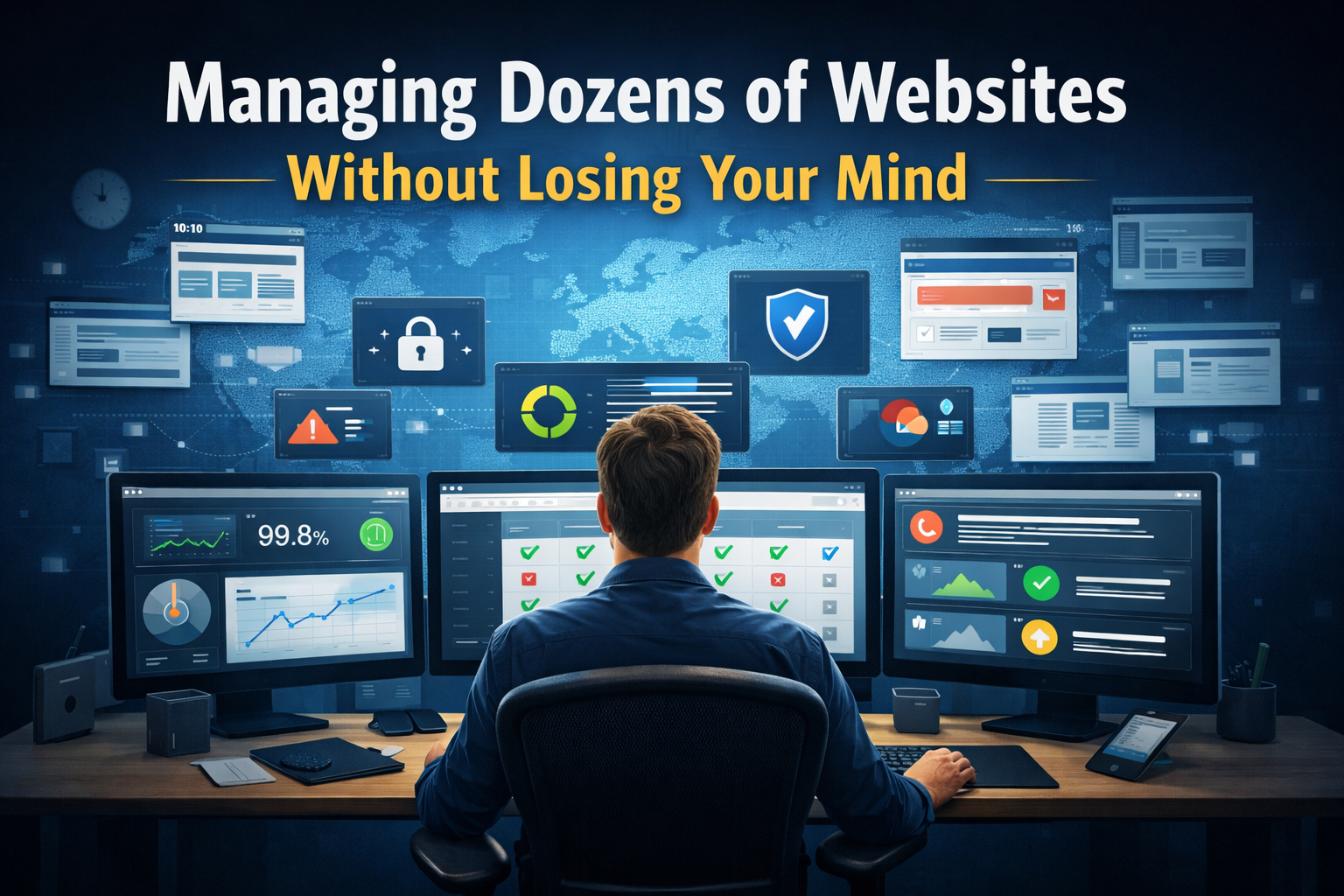
Managing dozens of websites becomes difficult when manual processes no longer scale. The most effective approach is to implement centralized monitoring, automated updates with safeguards, standardized infrastructure, and documented workflows to reduce risk and save time.
There’s a point in every web professional’s career where you go from managing a handful of websites to managing dozens—or more.
And somewhere around site number fifteen, everything you were doing manually starts to break down.
Updates slip through the cracks.
A site goes down and you don’t notice for hours.
A plugin conflict takes out a client’s homepage on a Friday afternoon.
I’ve been in that position—and I’ve spent years building systems to make large-scale website management sustainable.
Here’s what actually works.
Why Managing Multiple Websites Becomes Difficult
When you manage one or two websites, it’s easy to:
- Log into each dashboard
- Check for updates
- Review analytics
- Run backups manually
But when you’re responsible for twenty, thirty, or fifty sites, that approach becomes:
- Time-consuming
- Error-prone
- Difficult to scale
Manual website management does not scale.
The first step is accepting that—and committing to systems that handle repetitive work for you.
Centralized Monitoring: Your Single Source of Truth
The most impactful change you can make is building a centralized monitoring system.
Instead of checking each site individually, you maintain one dashboard that shows:
- Uptime status for every site
- Pending updates (core, plugins, themes)
- SSL certificate expiration dates
- Security scan results
- Backup status and last successful backup
- Performance metrics and response times
This dashboard doesn’t need to be complex.
It just needs to give you real-time visibility into the health of your entire website portfolio.
Automated Updates with Safety Nets
Website updates are where most problems—and risks—come from.
If you skip updates:
- You expose sites to security vulnerabilities
If you apply updates blindly:
- You risk breaking functionality
The solution is controlled automation.
A reliable update workflow includes:
- Automatic backups before any update
- Automatic minor updates (especially security patches)
- Post-update health checks
- Staging environments for major updates
- Rollback capability if something fails
This approach allows you to stay secure without introducing instability.
Standardized Infrastructure Reduces Complexity
The more consistent your websites are, the easier they are to maintain.
Standardization should include:
- Consistent hosting configurations
- A defined set of security and performance tools
- Shared deployment workflows
- Uniform logging and monitoring systems
Every deviation from your standard setup increases maintenance complexity.
You don’t need identical sites—but you do need consistent infrastructure.
Documentation and Runbooks Save Time
When managing many websites, you will encounter the same problems repeatedly.
Instead of solving them from scratch each time:
Document them.
Create runbooks for:
- Plugin conflicts
- Server configuration issues
- Deployment workflows
- Security incidents
Over time, this builds a system where:
- Troubleshooting is faster
- Team members can step in easily
- Knowledge is preserved
Documentation turns experience into a scalable asset.
The Payoff of Scalable Website Management
Building these systems takes time upfront—but the long-term benefits are significant:
- Fewer emergencies and downtime
- Faster issue resolution
- Reduced manual workload
- More predictable maintenance cycles
Instead of constantly reacting, you can focus on:
- Improving performance
- Building new features
- Growing your business
Managing dozens of websites doesn’t have to be chaotic.
With the right systems in place, it can be structured, reliable—and even calm.
FAQ
How do you manage multiple websites efficiently?
You manage multiple websites efficiently by using centralized monitoring, automated updates with safeguards, standardized infrastructure, and documented workflows to reduce manual effort and prevent errors.
What tools help manage multiple WordPress sites?
Tools like MainWP, ManageWP, and custom monitoring dashboards help manage updates, backups, uptime, and security across multiple WordPress sites from one interface.
Why does manual website management fail at scale?
Manual management fails because it becomes too time-consuming and increases the risk of missed updates, downtime, and inconsistent maintenance across sites.
What is centralized website monitoring?
Centralized monitoring is a system that provides a single dashboard view of all websites, including uptime, updates, security status, backups, and performance metrics.
How often should websites be updated?
Websites should be updated regularly, with security patches applied immediately and major updates tested in a staging environment before deployment.
What is a staging environment and why is it important?
A staging environment is a duplicate version of a website used for testing updates and changes before applying them to the live site, reducing the risk of breaking functionality.