
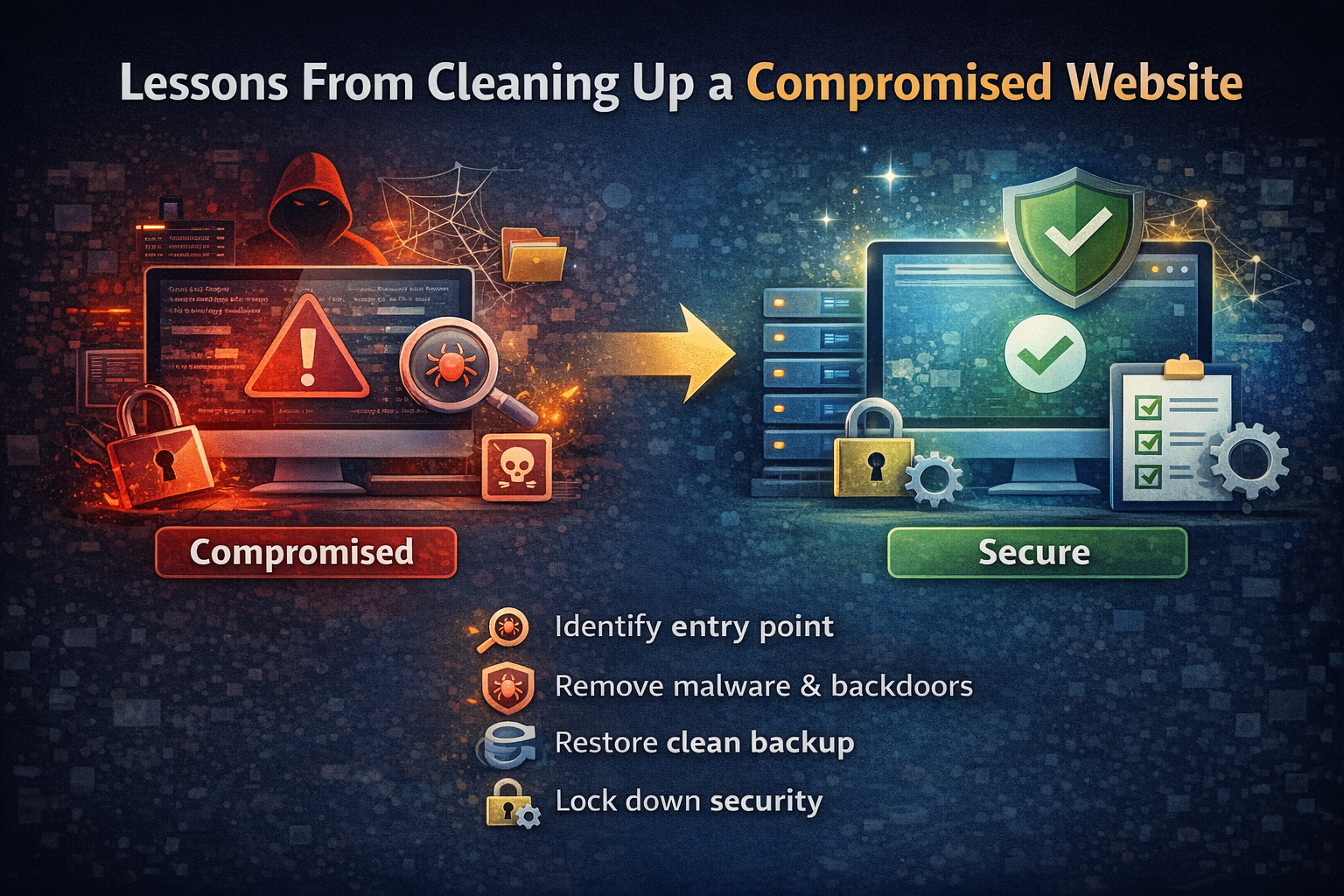
Cleaning up a compromised website requires more than removing malware—it involves identifying how the breach occurred, closing vulnerabilities, restoring clean backups, and implementing safeguards to prevent reinfection.
There’s a moment when you realize a website has been compromised.
It usually starts small:
- A strange redirect
- A flagged warning from Google
- Unexpected admin users
- Files you didn’t create
And then it hits you:
Something is wrong.
What Happens When a Website Is Compromised
A compromised website isn’t just “broken.”
It’s actively being used.
Attackers may:
- Inject malicious scripts
- Redirect traffic to spam or phishing pages
- Create hidden admin accounts
- Install backdoors for persistent access
In many cases, the visible issue is just the surface.
The real problem is deeper.
Security professionals emphasize that proper cleanup must include both malware removal and closing the vulnerability that allowed access in the first place.
The First Mistake: Only Fixing What You See
One of the biggest mistakes people make is:
👉 Removing visible malware and assuming the problem is solved
It’s not.
If you don’t:
- Identify the entry point
- Remove all backdoors
- Secure the environment
The site will get reinfected.
Often quickly.
Step 1: Identify the Entry Point
Before cleaning anything, you need to understand:
How did this happen?
Common entry points include:
- Outdated plugins or themes
- Weak or reused passwords
- Compromised hosting environments
- Vulnerable custom code
If you skip this step, everything else is temporary.
Step 2: Remove Malware and Backdoors
Cleaning a compromised site requires more than deleting suspicious files.
You need to:
- Scan all files and directories
- Compare against known clean versions
- Remove injected code
- Identify obfuscated scripts
- Check for hidden backdoors
Manual review is often necessary because automated tools don’t catch everything.
Step 3: Restore From a Known Clean State
If possible, restoring from a clean backup is often the fastest path.
But only if:
- The backup is actually clean
- You verify it before deploying
Otherwise, you risk reintroducing the compromise.
Step 4: Lock Down the Environment
After cleanup, you need to close every door that was open.
This includes:
- Updating all plugins, themes, and core
- Resetting all passwords
- Removing unused users
- Hardening file permissions
- Rotating API keys and credentials
This step is what prevents reinfection.
Step 5: Monitor and Verify
Even after cleanup, the job isn’t done.
You need to:
- Monitor logs
- Watch for unusual behavior
- Check for reinfection
A compromised site is not “fixed” until it stays clean over time.
What You Learn From a Compromised Site
Every incident teaches the same lesson:
👉 Security isn’t a feature—it’s a system
You don’t “add security” after the fact.
You build systems that:
- Detect issues early
- Limit damage
- Recover quickly
The Real Problem: Lack of Visibility
Most compromises go unnoticed for longer than people expect.
Because:
- There’s no monitoring
- No alerts
- No centralized visibility
This is why even basic monitoring systems dramatically improve security outcomes.
The Bigger Shift: From Cleanup to Prevention
Cleaning up a compromised website is reactive.
The real goal is prevention.
That means:
- Regular updates
- Continuous monitoring
- Automated backups
- Security-first design
The difference between a stressful incident and a minor issue is usually preparation.
Final Thoughts
A compromised website isn’t just a technical problem.
It’s a systems problem.
The fix isn’t just:
- Removing malware
It’s:
- Understanding the failure
- Closing the gap
- Building something more resilient
Because if you don’t fix the system—
You’ll fix the same problem again.
FAQ
What should I do if my website is hacked?
Immediately take the site offline if necessary, identify the entry point, remove malware and backdoors, restore from a clean backup, and secure all access points.
How do websites get compromised?
Common causes include outdated plugins, weak passwords, insecure hosting environments, and vulnerable code.
Can I clean a hacked website myself?
It’s possible, but difficult. Many compromises involve hidden backdoors and obfuscated code that require deep inspection to fully remove.
How do I know if my website is still compromised?
Signs include unusual traffic, unexpected redirects, new admin users, modified files, or repeated reinfections after cleanup.
How do I prevent my website from being hacked again?
- Keep everything updated
- Use strong authentication
- Monitor logs and activity
- Maintain regular backups
- Implement security best practices