Direct Answer
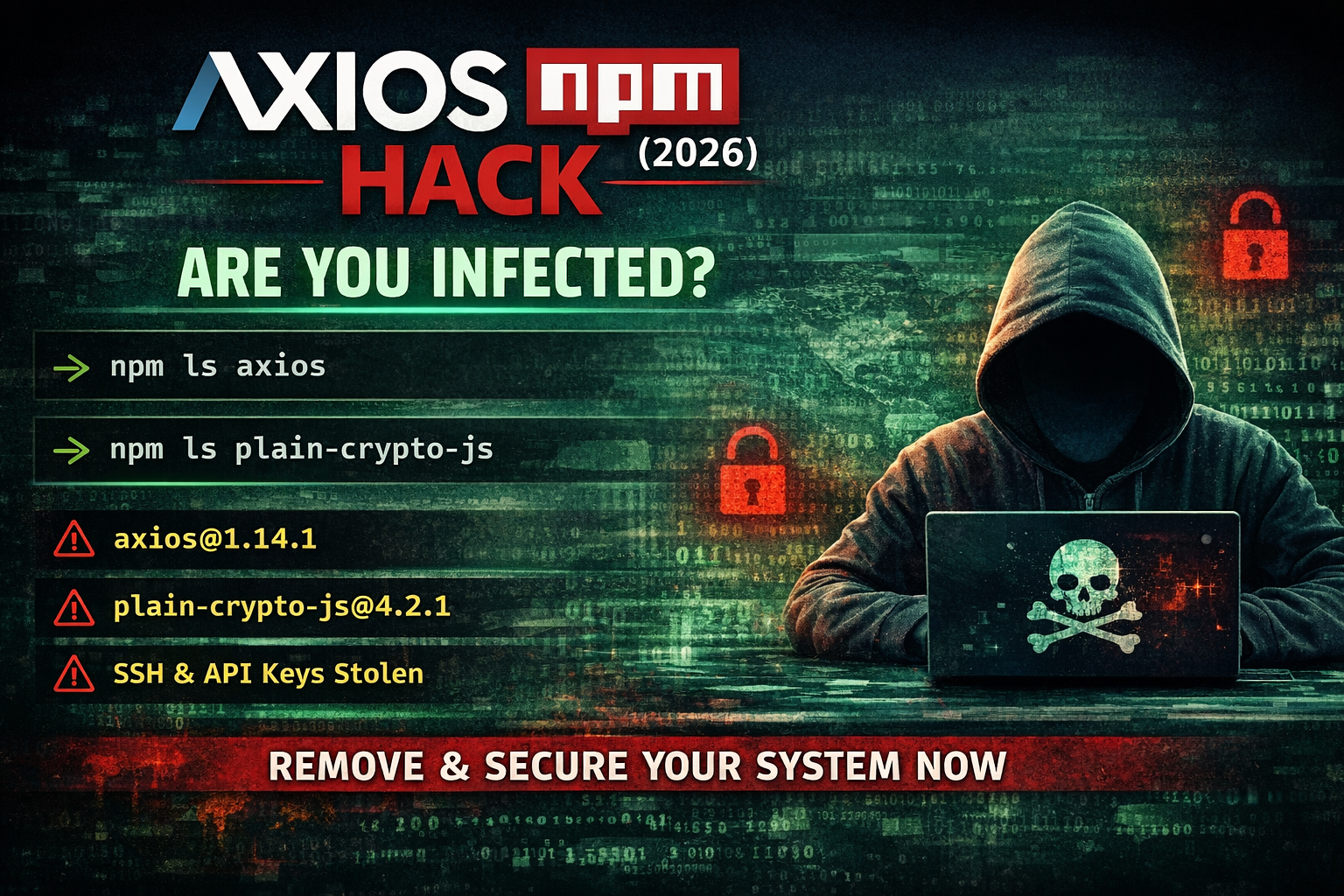
The Axios npm hack involved malicious versions (1.14.1 and 0.30.4) that could install a hidden dependency ([email protected]) to steal sensitive data. To check if you’re affected, verify your installed Axios version, search for the malicious dependency, and inspect your package-lock.json for suspicious entries.
What Happened in the Axios npm Hack?
The popular HTTP client Axios was briefly compromised in a supply chain attack affecting specific versions. This type of attack targets developers directly by injecting malicious code into trusted packages.
Key Indicators of Compromise
[email protected][email protected][email protected]- Unexpected network requests during installation
- Potential data exfiltration of environment variables and credentials
This was not a typical vulnerability. It was a distribution-level compromise, making it significantly more dangerous because it executes during installation.
Why This Matters for Developers
If you work with APIs, store secrets in environment files, or use automation and CI/CD pipelines, you are a high-value target. Supply chain attacks are specifically designed to exploit developer workflows.
How to Check If You’re Infected
1. Check Your Axios Version
npm ls axiosSafe:
[email protected]Unsafe:
[email protected]
[email protected]
2. Check for the Malicious Dependency
npm ls plain-crypto-js --allIf [email protected] appears, treat the system as compromised immediately.
3. Check Your Lockfile
grep -E "axios-1.14.1|axios-0.30.4|plain-crypto-js" package-lock.jsonOS-Specific Commands
Windows (PowerShell)
npm ls axios --all
npm ls plain-crypto-js --all

Test-Path .\node_modules\plain-crypto-js

Select-String -Path .\package-lock.json -Pattern 'axios-1\.14\.1|axios-0\.30\.4|plain-crypto-js'
Quick check:
Get-Content .\node_modules\axios\package.jsonmacOS / Linux
npm ls axios --all
npm ls plain-crypto-js --all

grep -E "axios-1.14.1|axios-0.30.4|plain-crypto-js" package-lock.json
Optional deeper scan:
grep -r "plain-crypto-js\|sfrclak\.com" node_modules 2>/dev/nullSigns You May Be Compromised
- Unexpected network activity during installation
- New or unknown dependencies
- Suspicious scripts inside
node_modules - Unusual API usage or credential activity
What To Do If You’re Infected
If you detect malicious versions or dependencies, assume full compromise.
rm -rf node_modules package-lock.json
npm cache clean --force
npm install [email protected]
Immediately rotate all credentials including GitHub tokens, npm tokens, API keys, and SSH keys.
Advanced: Check for Data Exposure
.env~/.ssh~/.npmrc
If these were accessible during installation, rotate credentials immediately.
How to Prevent This in the Future
Disable Install Scripts
npm config set ignore-scripts trueUse Safer Install Method
npm ciLock Dependencies
{
  "axios": "1.13.6"
}
Use Isolated Environments
- Docker containers
- Virtual machines
- Isolated CI pipelines
Resources and Further Reading
- Axios GitHub Repository
— Official source for the Axios library, releases, and security updates. - npm Security Best Practices
— Official npm documentation on securing dependencies and preventing supply chain attacks. - GitHub Security Advisories
— Database of known vulnerabilities and package security alerts. - Snyk Vulnerability Database
— Search and monitor known vulnerabilities in npm packages. - Socket.dev Package Scanner
— Detects malicious npm packages and suspicious behavior in dependencies. - OWASP Top 10 Security Risks
— Industry standard reference for web application and supply chain risks. - Axios npm Package Page
— View version history and verify safe releases. - GitHub Dependabot Documentation
— Automate dependency updates and security alerts in your repositories.
Frequently Asked Questions
Which Axios versions were compromised?
The compromised versions were [email protected] and [email protected]. These versions were briefly available on npm and included malicious behavior during installation.
How do I know if my system is infected?
Check your installed dependencies using npm ls axios and npm ls plain-crypto-js --all. If you see either compromised Axios version or [email protected], treat the system as compromised.
What does the malicious package do?
The malicious code was designed to exfiltrate sensitive data such as environment variables, API keys, and SSH credentials, and could potentially execute remote commands on the system.
Is it safe to use Axios now?
Yes, Axios is safe to use as long as you are not using the compromised versions. Always install a verified version such as 1.13.6 or later safe releases.
Should I rotate my API keys if I was affected?
Yes. If there is any chance you installed the compromised versions, you should immediately rotate all API keys, tokens, and SSH credentials, as they may have been exposed.
How can I prevent npm supply chain attacks?
Use locked dependency versions, disable install scripts when possible, run npm ci instead of npm install, and use security tools like :contentReference[oaicite:0]{index=0} or :contentReference[oaicite:1]{index=1} to scan dependencies.
Final Takeaway
This was a supply chain attack targeting developers. Your dependencies are part of your attack surface, and every npm install is a trust decision.