Local-First Security Monitoring Companion
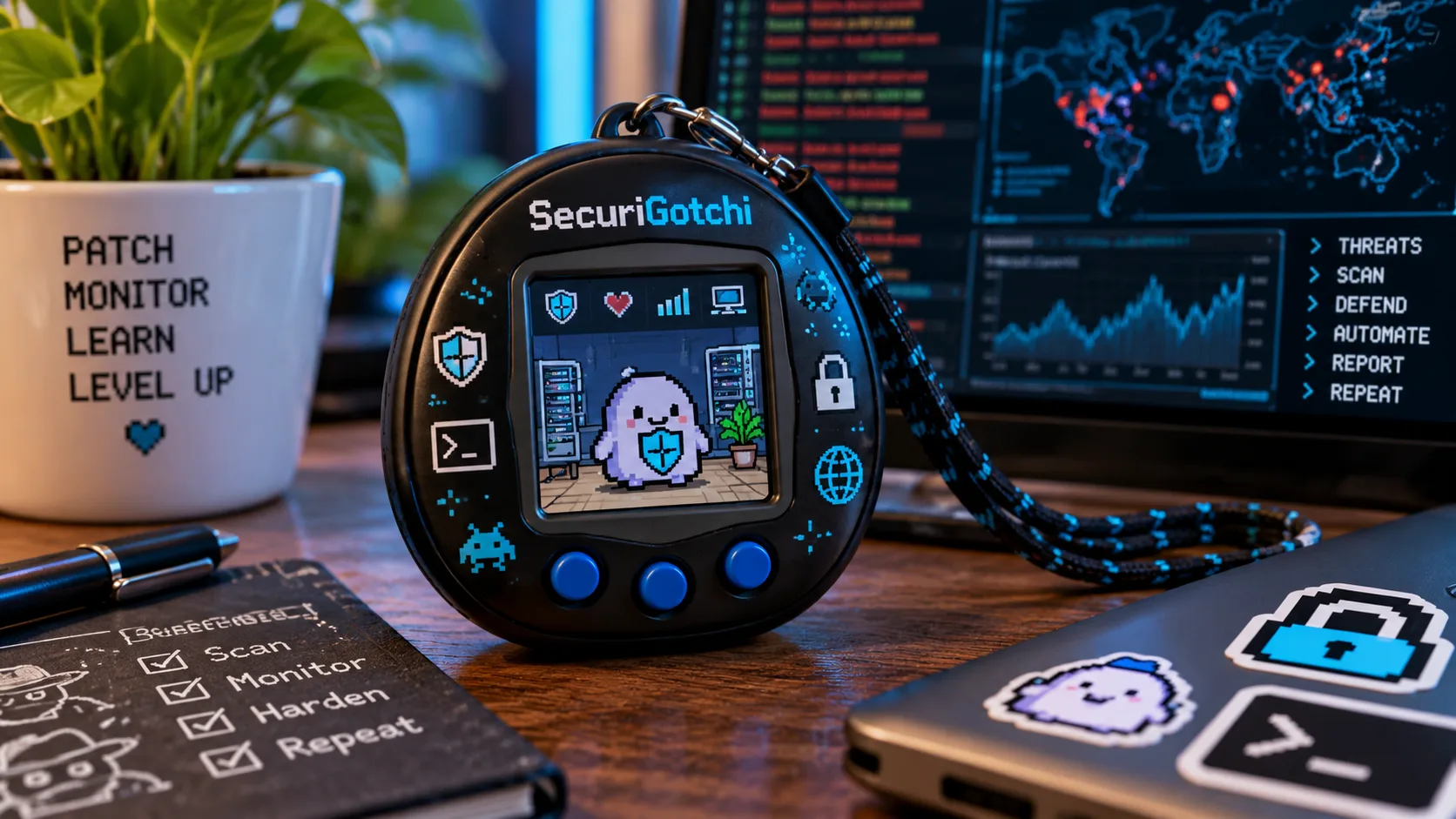
SecuriGotchi is a local-first security companion written in Python. It watches your own machine for repeated failed logins and low disk or memory, raises alerts with a severity and a cooldown, and shows it all on a password-protected dashboard with a small Gotchi whose mood follows what it sees: sleeping, all clear, watchful, on alert or high alert. It runs on Windows, macOS, Linux, WSL, Raspberry Pi and the ClockworkPi uConsole handheld, and nothing leaves the computer unless you choose to send it.
I started it in April 2025 as a Raspberry Pi experiment with plugins, missions and an AI chat. In October 2026 I rebuilt the core around a simpler rule: do a few things honestly, keep everything local, and say plainly what it can and cannot see.
What it does
- Login and health alerts. Five failed logins from the same IP within five minutes raise a high alert, ten raise a critical one. Disk and memory warn at 80%, go high at 90% and critical at 97%. Each alert has a 15-minute cooldown but escalates immediately if things get worse.
- Native log sources. It reads Windows Security logon events, the macOS unified log or Linux journald, or a plain SSH auth log, all read-only and without admin rights. The first poll sets a baseline, so old log entries never show up as fresh attacks.
- Local dashboard. A Flask dashboard on 127.0.0.1 with one administrator account created from the terminal, CSRF protection, short sessions and login rate limiting. It shows recent alerts, 24-hour trends, system health and the Gotchi.
- Wi-Fi health and device discovery (opt-in). On Windows it flags disconnects, weak signal and open or WEP networks. If you authorise a private subnet, it pings it every five minutes and asks you to review new devices. It never port-scans or changes your router.
- Settings page. Thresholds, retention, notifications, local AI and session options, with atomic saves and import and export that never include passwords or keys.
- Local AI, advisory only. When you ask, it sends a redacted summary of recent activity to a model running in Ollama on your own computer and returns a plain-English explanation. No cloud AI is configured, and the report is advice, not proof of compromise.
- MCP server (opt-in). Trusted local AI clients can read security status and trends through the Model Context Protocol, using the official v2 SDK.
- Setup doctor.
gotchi_doctor.pychecks Python, dependencies, the admin account, the collector and optional integrations without changing anything.
Built to be honest about its limits
SecuriGotchi is not an intrusion detection system and it does not classify malware. It samples logs on a schedule rather than watching every packet, bounded reads can miss events in a large spike, and a calm Gotchi does not mean a machine is secure. The README spells out what each check proves and what it does not, and the dashboard shows the collector as stale rather than pretending it is still watching.
The original game layer is still there: missions earn XP, and a SHA-256 hash-chained activity log can be GPG-signed, with optional ChromaDB semantic memory. The older command-line plugins, such as nmap and nikto wrappers, are kept for local use only and cannot be run from the web dashboard.
How it’s built
Python 3.11+, Flask and psutil for the core, SQLite for monitoring and authentication data kept in a private per-user folder, and an installer (python install.py) that works without admin rights on every supported platform. Ollama, ChromaDB and the MCP SDK are optional extras. An 88-test suite runs in GitHub Actions on Ubuntu, with Windows and macOS runs on demand. The code is MIT-licensed on GitHub.
Only monitor computers and networks you own or have permission to check.
Related reading
Building an AI-Assisted Cybersecurity Monitor
Want something like this for your business? See SIEM and SOC setup, or view all services and pricing.