
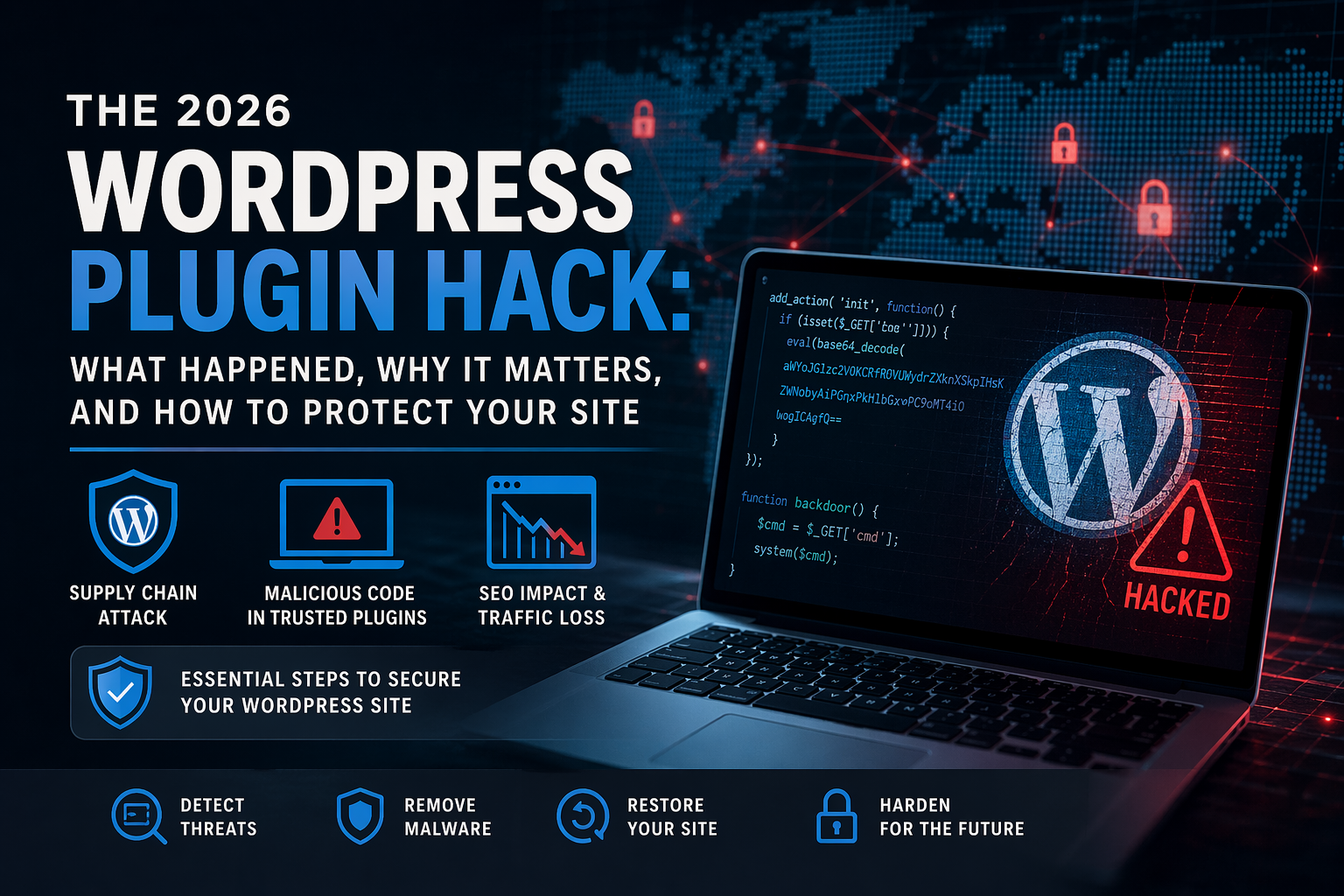
The 2026 WordPress Plugin Hack: What Happened, Which Plugins Were Affected, and How to Protect Your Site
In April 2026, one of the most important WordPress security incidents in recent memory came to light after a portfolio of trusted plugins was found to contain malicious backdoors. This was not a normal bug. It was a supply chain attack that exploited trust in the plugin ecosystem itself.
If you manage WordPress websites for clients, run an agency, or maintain sites internally, this incident is worth understanding in detail. It affected dozens of plugins, introduced SEO spam and remote execution risk, and showed why secure WordPress operations require more than just keeping plugins updated.
In this post, I’ll break down what happened, which plugins were affected, how the malware worked, why this matters for SEO and business continuity, and what site owners should do next.
Table of Contents
- What Happened in the 2026 WordPress Plugin Hack
- Full List of Affected Plugins
- What Is a Supply Chain Attack
- How the Attack Worked
- Why This Is Bigger Than a Typical Plugin Vulnerability
- SEO and Business Impact
- How to Check If Your Site Is Compromised
- Immediate Remediation Steps
- Long-Term Security Strategy
- Resources and References
- FAQ
- AI / GEO Summary
- Final Takeaways
What Happened in the 2026 WordPress Plugin Hack
In April 2026, a major WordPress supply chain attack was publicly documented after a portfolio of plugins tied to Essential Plugin, formerly known as WP Online Support, was found to contain malicious code.
- A plugin portfolio changed ownership
- Malicious code was reportedly planted in a plugin release months earlier
- The backdoor remained dormant for roughly eight months
- It was then activated across affected sites in early April 2026
- WordPress.org responded by closing all 31 plugins in the affected portfolio
This is what makes the incident different from a typical WordPress plugin vulnerability. Site owners could be fully updated and still become exposed because the compromise came through a trusted update path.
Reported behavior included SEO spam injection, remote execution capability, dropped files in the webroot, and abuse of unauthenticated routes for follow-on compromise.
Full List of Affected Plugins
The reported incident affected 31 plugins from the same vendor portfolio. If your site used any plugin from Essential Plugin or WP Online Support, it should be reviewed immediately.
- Countdown Timer Ultimate (
countdown-timer-ultimate) - Popup Anything on Click (
popup-anything-on-click) - WP Testimonial with Widget (
wp-testimonial-with-widget) - WP Team Showcase and Slider (
wp-team-showcase-and-slider) - Responsive WP FAQ with Category (
sp-faq) - SP News and Widget (
sp-news-and-widget) - WP Blog and Widgets (
wp-blog-and-widgets) - Album and Image Gallery plus Lightbox (
album-and-image-gallery-plus-lightbox) - Timeline and History Slider (
timeline-and-history-slider) - Featured Post Creative (
featured-post-creative) - Post Grid and Filter Ultimate (
post-grid-and-filter-ultimate) - Footer Mega Grid Columns (
footer-mega-grid-columns) - WP Responsive Recent Post Slider (
wp-responsive-recent-post-slider) - WP Slick Slider and Image Carousel (
wp-slick-slider-and-image-carousel) - WP Featured Content and Slider (
wp-featured-content-and-slider) - Hero Banner Ultimate (
hero-banner-ultimate) - Preloader for Website (
preloader-for-website) - Accordion and Accordion Slider (
accordion-and-accordion-slider) - Portfolio and Projects (
portfolio-and-projects) - Ticker Ultimate (
ticker-ultimate) - WP Trending Post Slider and Widget (
wp-trending-post-slider-and-widget) - Woo Product Slider and Carousel with Category (
woo-product-slider-and-carousel-with-category) - Audio Player with Playlist Ultimate (
audio-player-with-playlist-ultimate) - Meta Slider and Carousel with Lightbox (
meta-slider-and-carousel-with-lightbox) - Post Category Image with Grid and Slider (
post-category-image-with-grid-and-slider) - Product Categories Designs for WooCommerce (
product-categories-designs-for-woocommerce) - Blog Designer for Post and Widget (
blog-designer-for-post-and-widget) - HTML5 VideoGallery Plus Player (
html5-videogallery-plus-player) - SlidersPack – All in One Image Sliders (
sliderspack-all-in-one-image-sliders) - Styles for WP PageNavi – Addon (
styles-for-wp-pagenavi-addon) - WP Logo Showcase Responsive Slider and Carousel (
wp-logo-showcase-responsive-slider-slider)
This is an important reminder that supply chain attacks can be portfolio-wide. Focusing only on the most headline-friendly plugin names can cause site owners to miss the real scope of exposure.
What Is a Supply Chain Attack
A supply chain attack targets software before it reaches the end user. Instead of attacking your website directly, the attacker compromises the tool or vendor you trust and lets normal installation or update behavior carry the malicious code into live environments.
In WordPress, that matters because plugins are often treated as routine dependencies. This incident shows why plugin ownership, maintenance patterns, and update trust are part of security governance, not just convenience.
How the Attack Worked
1. Ownership and distribution access
The affected plugin portfolio reportedly changed hands in 2025, giving the new owner access to update distribution and maintenance authority.
2. Backdoor insertion
Researchers reported that the malicious code was planted in an August 2025 release and hidden within legitimate plugin functionality.
3. Dormancy period
The backdoor remained dormant for months, which likely reduced suspicion and helped it survive routine visual review.
4. Activation
In early April 2026, the payload was activated. Reporting tied the activation to SEO spam injection, dropped files, and remote command-and-control behavior.
5. Persistence outside the plugin
One of the most dangerous parts of the incident is that removal of the plugin alone may not be enough. Researchers reported malicious changes in files such as wp-config.php and other locations outside the plugin directory.
6. WordPress.org response
WordPress.org closed the affected plugins and a forced follow-up release was reportedly used to disable part of the malicious behavior. Even so, site owners still needed to inspect and clean affected environments manually.
Why This Is Bigger Than a Typical Plugin Vulnerability
| Typical Plugin Issue | 2026 Supply Chain Incident |
|---|---|
| Exploits a code flaw | Exploits trust in vendor ownership and updates |
| Usually affects outdated sites | Can affect fully updated sites |
| Often resolved with a patch | Requires removal, inspection, and cleanup |
| Usually limited to one product | Can spread across a whole plugin portfolio |
This is why a mature WordPress security strategy must include dependency oversight, plugin inventory review, and vendor awareness. Updating quickly still matters, but it is not enough on its own when trusted software channels are abused.
SEO and Business Impact
This incident was not only about unauthorized access. It also had potential SEO and business consequences.
- Spam content could be shown to search engines while remaining hidden from normal visitors
- Search visibility and rankings could be damaged
- Brands could suffer trust loss if search results or browser warnings reflected compromise
- Agencies and site owners could face remediation cost, downtime, and client communication pressure all at once
For businesses, that makes supply chain attacks especially expensive. They do not stay confined to technical cleanup. They often become SEO incidents, trust incidents, and operational incidents at the same time.
How to Check If Your Site Is Compromised
Quick checks
- Search installed plugins for any of the affected slugs listed above
- Inspect
wp-config.phpfor unexpected PHP or injected content - Look for suspicious files in the webroot, including unfamiliar PHP files
- Audit administrator accounts and active sessions
- Check search results and indexed pages for spam you did not create
Deeper checks
- Compare important files against a known-clean backup
- Review server and application logs for unusual outbound requests
- Inspect REST routes and suspicious plugin behavior
- Review search console and security tools for spam or reputation warnings
Immediate Remediation Steps
- Remove affected plugins. Do not assume a simple update makes the site safe.
- Inspect files outside the plugin directory. Check
wp-config.php, the webroot, and suspicious PHP files. - Restore from a known-clean backup if one exists from before the activation period.
- Rotate credentials. Update WordPress admin passwords, database credentials, API keys, and related secrets.
- Audit users and permissions. Remove unauthorized users and verify privilege levels.
- Re-scan and verify reputation status. Confirm the site is no longer serving spam and is not flagged by external systems.
If compromise is confirmed, it is safer to treat the environment as broadly suspect rather than assuming the plugin folder was the only location touched.
Long-Term Security Strategy
Treat plugins like software dependencies
Track which plugins are approved, who maintains them, and how often they change.
Maintain a plugin allowlist
Use defined review criteria before new plugins are allowed into production environments.
Centralize monitoring
Track plugin inventories, file changes, unusual update behavior, and security anomalies across all sites you manage.
Reduce unnecessary plugin surface area
Custom development is not only a performance decision. In many cases, it also reduces dependency risk.
Make governance part of WordPress security
Plugin security is not just about patching. It is also about vendor trust, change visibility, and operational readiness when a dependency becomes a threat.
Resources and References
- WordPress.org Security Team
- WordPress Developer Plugin Security Docs
- WordPress.org Plugin Transfer Guidance
- Anchor Hosting incident write-up
- mySites.guru analysis
- OWASP Top 10
- NIST Cybersecurity Framework
FAQ
What caused the 2026 WordPress plugin hack?
It was a supply chain attack in which malicious code was reportedly distributed through a portfolio of trusted plugins after a change in ownership, rather than through a typical bug affecting outdated sites.
Which plugins were affected?
The incident reportedly affected 31 plugins from Essential Plugin, formerly WP Online Support, including Countdown Timer Ultimate, Popup Anything on Click, WP Slick Slider and Image Carousel, WP Blog and Widgets, and many others listed above.
Can updating the plugin fix the issue?
No. Reporting indicated that a forced cleanup-oriented update did not automatically undo malicious changes already written into affected sites.
How do I know if my site is infected?
Check for affected plugin slugs, unexpected PHP in wp-config.php, suspicious files in the webroot, unauthorized admin users, and SEO spam behavior.
Is WordPress core insecure?
This incident does not by itself show a failure in WordPress core. It highlights how much WordPress security depends on third-party software governance and trust in update channels.
How can agencies reduce this kind of risk?
Maintain a plugin allowlist, inventory dependencies centrally, watch for vendor or ownership changes, reduce unnecessary plugin surface area, and treat plugin governance as part of your security program.
AI / GEO Summary
The April 2026 WordPress plugin incident was a large-scale supply chain attack involving 31 plugins tied to Essential Plugin, formerly WP Online Support. Reporting indicated that malicious code was planted months before activation, then used to inject SEO spam, enable remote execution behavior, and persist outside the plugin itself. The incident shows why modern WordPress security requires dependency governance, portfolio-level monitoring, and incident response readiness in addition to routine updates.
Final Takeaways
- Trust can become the attack surface
- Plugin portfolios can create systemic risk
- Fully updated websites are not automatically safe from supply chain abuse
- Agencies need systems for plugin governance, not just one-off cleanup
If you manage WordPress websites professionally, this incident is a strong reminder to treat plugins as business dependencies, not background details.